Solved: iertutil.dll was not found error
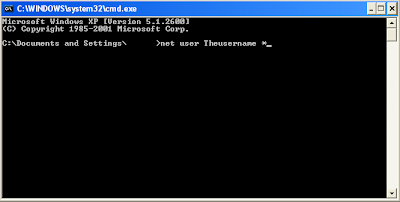
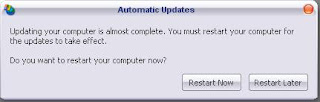
After so many years, Microsoft started to phase out IE6 and started rolling out Internet Explorer 8 update . But many people experienced a problem after the compulsory IE8 windows update. Their Windows computers won't boot, instead it shows this error: bcmwltry.exe/explorer.exe - Unable to Locate Component This application has failed to start because iertutil.dll was not found. Re-installing the application may fix this problem. The ordinal 681 could not be located in the dynamic link library iertutil.dll This error is caused by an improper installation of Internet Explorer. You can try this solution to fix this problem: 1. Press CTRL + ALT + DEL when you see the error. 2. With the Task Manager running, click File then New Task , type CMD then press enter. 3. A black window will open, this is the command prompt. Type these commands (press enter after each command): ren c:\windows\system32\dllcache\iertutil.dll iertutil.old copy c:\windows\system32\...